
 Posted by
 People throw around chatbot, AI assistant, and AI agent like they mean the same thing. They don’t. The words overlap in marketing, but the systems behind them behave very differently — especially once you care about autonomy, tools, and multi-step work.
This guide breaks down what each term actually means, how they differ in practice, and how to choose the right one for a product or workflow.
Quick definitions
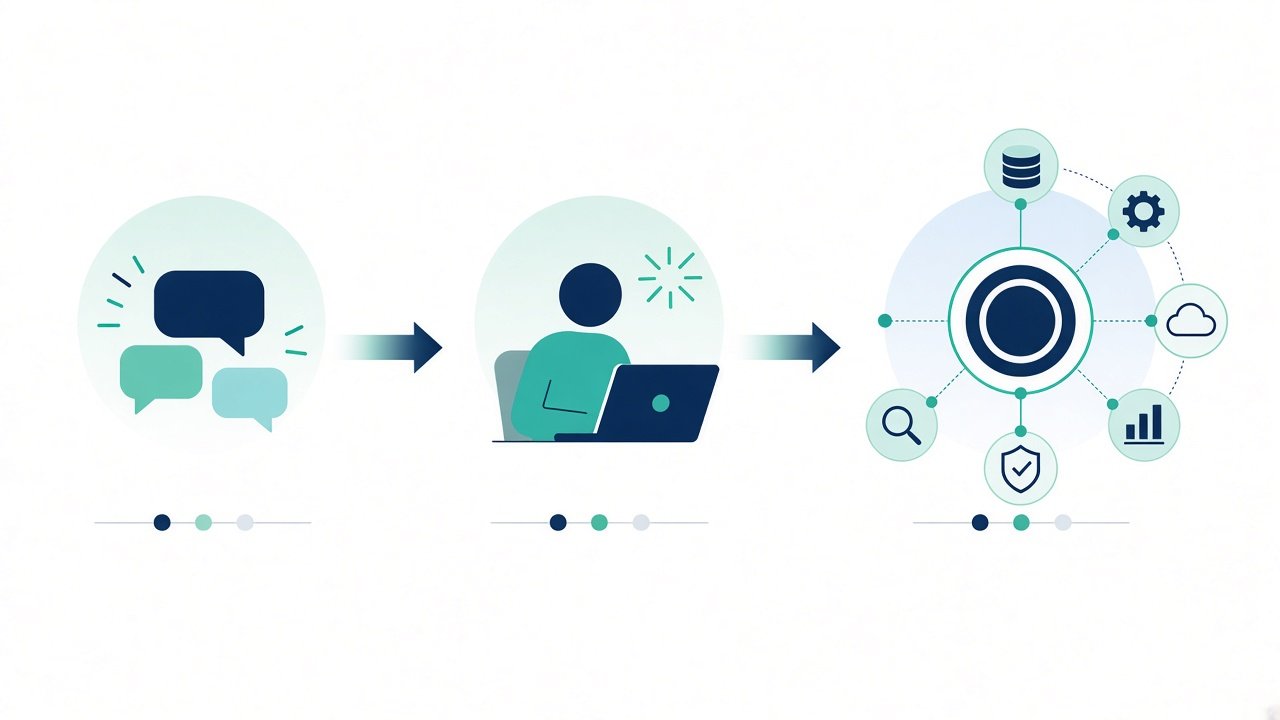
- Chatbot — a conversational interface that answers or routes messages, often with limited or no real “thinking.”
- AI assistant — a helpful AI that understands intent, keeps context, and can use light tools, but usually waits for you to drive each step.
- AI agent — an AI system that pursues a goal, plans steps, uses tools, and keeps going until the job is done (or fails clearly).
Think of it as a ladder: chatbots talk, assistants help, agents act.
What is a chatbot?
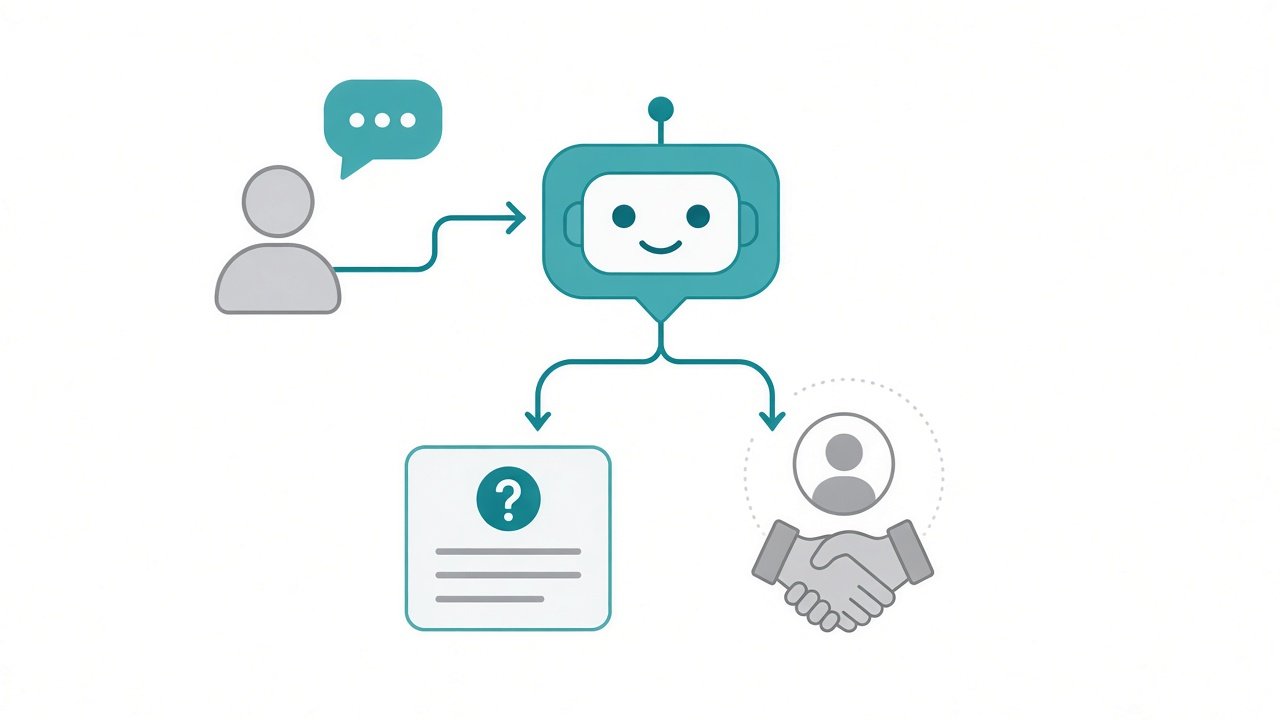
A chatbot is software that chats. That sounds obvious, but it matters: the core job is conversation and routing, not open-ended problem solving.
Classic chatbots are rule-based or FAQ-driven. Modern ones may use an LLM under the hood, but the product shape is still “user asks → bot replies.”
Typical traits:
- Responds to messages in a chat UI
- Often scripted flows, menus, or keyword matching (or a constrained LLM)
- Little or no long-horizon planning
- Rarely takes irreversible actions without a human handoff
Good fits: FAQs, order status, appointment booking, lead capture, simple support deflection.
Weak fits: researching a topic across many sources, updating systems across multiple APIs, or finishing a multi-step project without constant prompting.
What is an AI assistant?
An AI assistant sits above a basic chatbot. It understands natural language better, holds conversation context, and can draft, summarize, or explain. Many assistants can also call light tools — search, calendar, email drafts — but they still feel like a co-pilot.
You stay in charge. You ask, review, and decide what happens next.
Typical traits:
- Strong language understanding and multi-turn context
- Helpful outputs: drafts, explanations, suggestions, summaries
- Optional tool use, usually one action at a time
- Human-in-the-loop by default — you approve and continue
Examples you’ve probably used: ChatGPT-style helpers, coding copilots, writing assistants, and productivity sidekicks that draft but don’t own the whole workflow.
Good fits: writing and editing, learning a concept, brainstorming, code suggestions, preparing a plan you’ll execute yourself.
What is an AI agent?
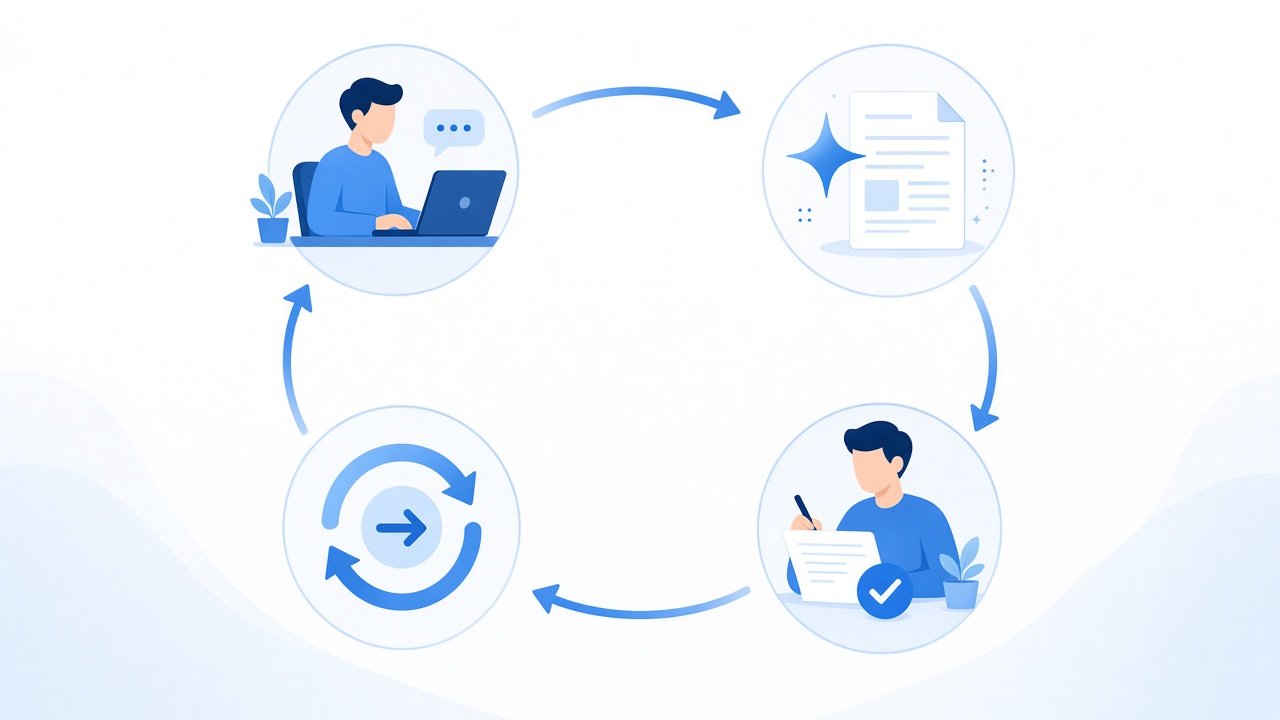
An AI agent is built around a goal, not just a reply. You give it an outcome (“book the cheapest flight under $400,” “triage these tickets and open PRs for clear bugs”), and it plans steps, calls tools, checks results, and iterates.
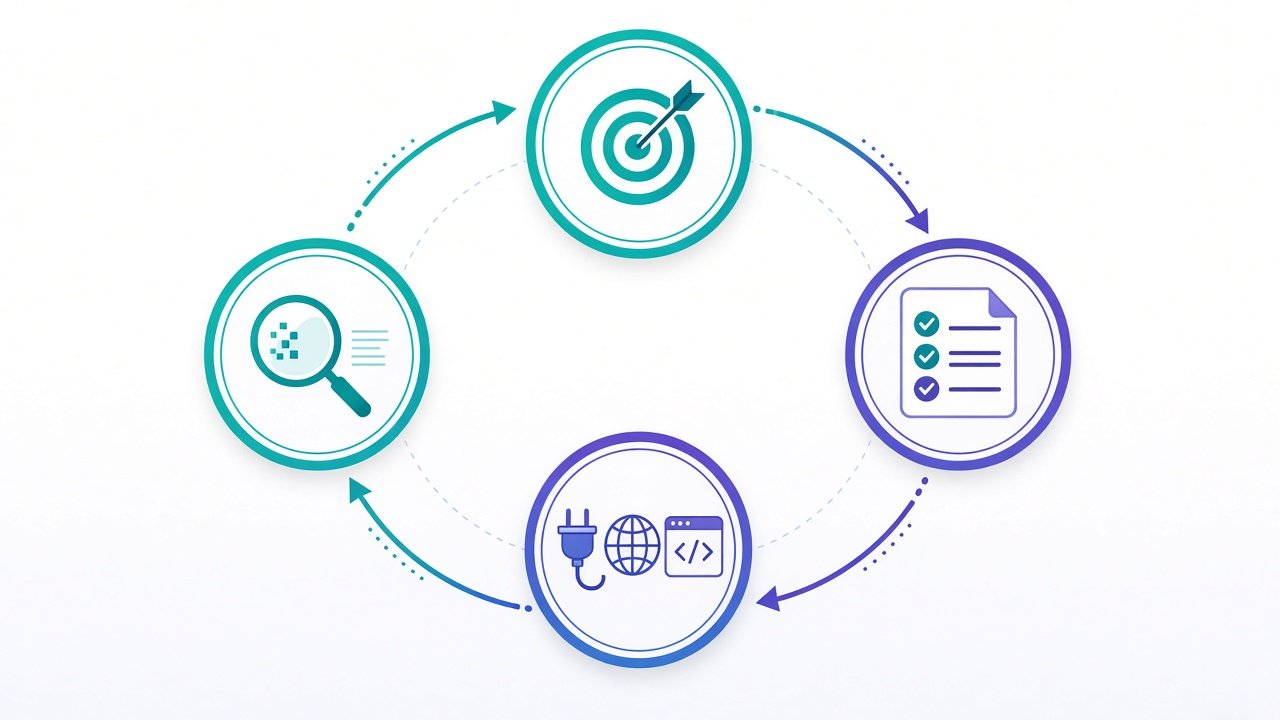
That loop — plan → act → observe → adjust — is what separates agents from chatbots and most assistants.
Typical traits:
- Goal-oriented: works toward a defined outcome
- Can use multiple tools (APIs, browsers, code runners, databases)
- Maintains state across steps (memory / scratchpad / task list)
- Can run with less step-by-step prompting (with guardrails)
- Needs stronger safety: permissions, budgets, confirmation for risky actions
Good fits: research + synthesis across many sources, ops workflows, multi-app automation, coding agents that edit files and run tests, customer workflows that require several system updates.
Trade-offs: more power, more failure modes. Agents can loop, spend money, or take wrong actions if tools and permissions are loose.
Side-by-side comparison
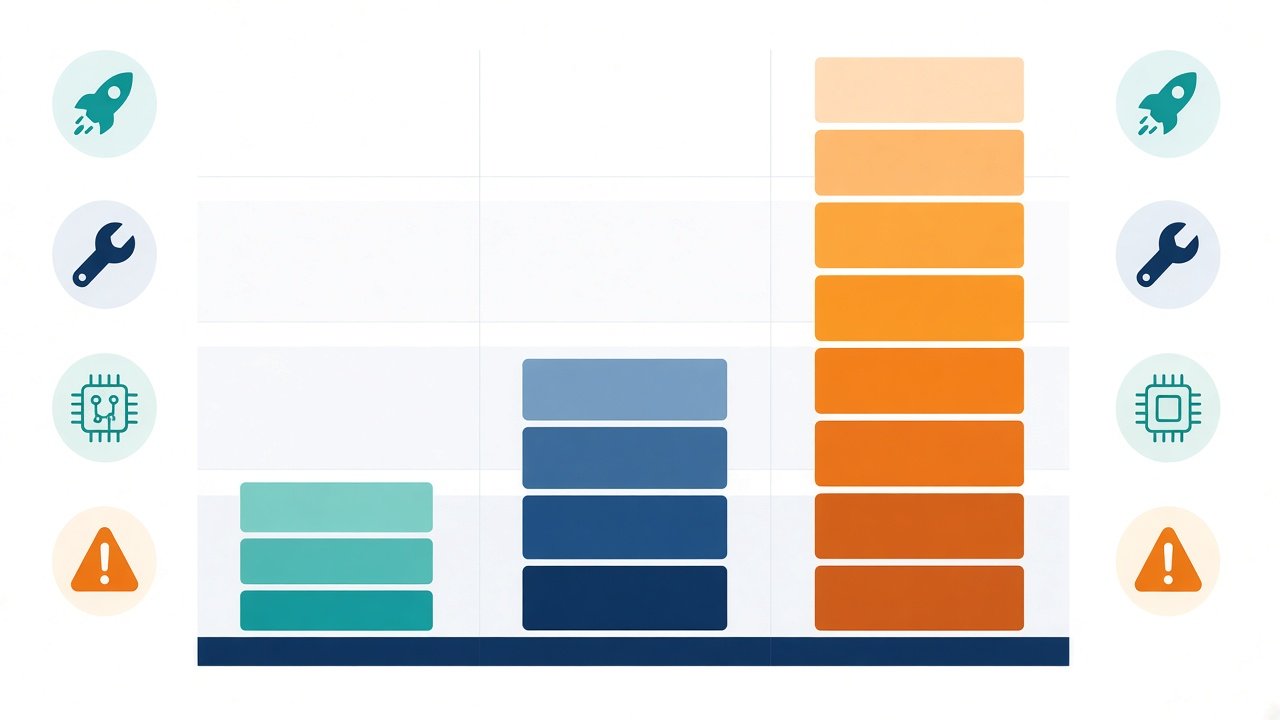
Here’s the practical difference in one place:
| Dimension | Chatbot | AI assistant | AI agent |
|---|---|---|---|
| Primary job | Converse / route | Help / advise / draft | Achieve a goal |
| Autonomy | Low | Medium (you drive) | High (within guardrails) |
| Planning | Rare | Light / on request | Core behavior |
| Tool use | Limited or none | Optional, usually single-step | Multi-step, multi-tool |
| Memory / state | Session or FAQ context | Conversation context | Task state across steps |
| Human role | Ask or pick a menu | Review and continue | Set goal + supervise |
| Risk level | Usually low | Medium (bad advice) | Higher (real actions) |
Where the lines blur
Real products often mix labels:
- A “chatbot” powered by GPT can feel like an assistant.
- An “assistant” with browsing + calendar write access starts looking agent-like.
- Some “agents” are mostly chat UIs with one tool call — marketing ahead of architecture.
So judge by behavior, not the homepage headline:
- Does it mainly answer, or does it complete work?
- Can it chain tools without you prompting every step?
- Does it keep a task state until the goal is done?
- What can it change in the real world without asking?
If the answer to (2)–(4) is “yes, a lot,” call it an agent — and design it like one.
How to choose for your project
Use this simple rule of thumb:
- Pick a chatbot when the path is narrow: FAQs, status checks, scripted flows, high volume, low risk.
- Pick an AI assistant when users need flexible help but should stay in control: drafting, explaining, suggesting next steps.
- Pick an AI agent when the outcome matters more than the conversation: multi-step workflows, tool orchestration, “do this until done.”
Also match the ops reality:
- Chatbots need good content and handoff rules.
- Assistants need strong prompts, retrieval, and clear UI for review.
- Agents need tool permissions, budgets, logging, evals, and kill switches.
A concrete example
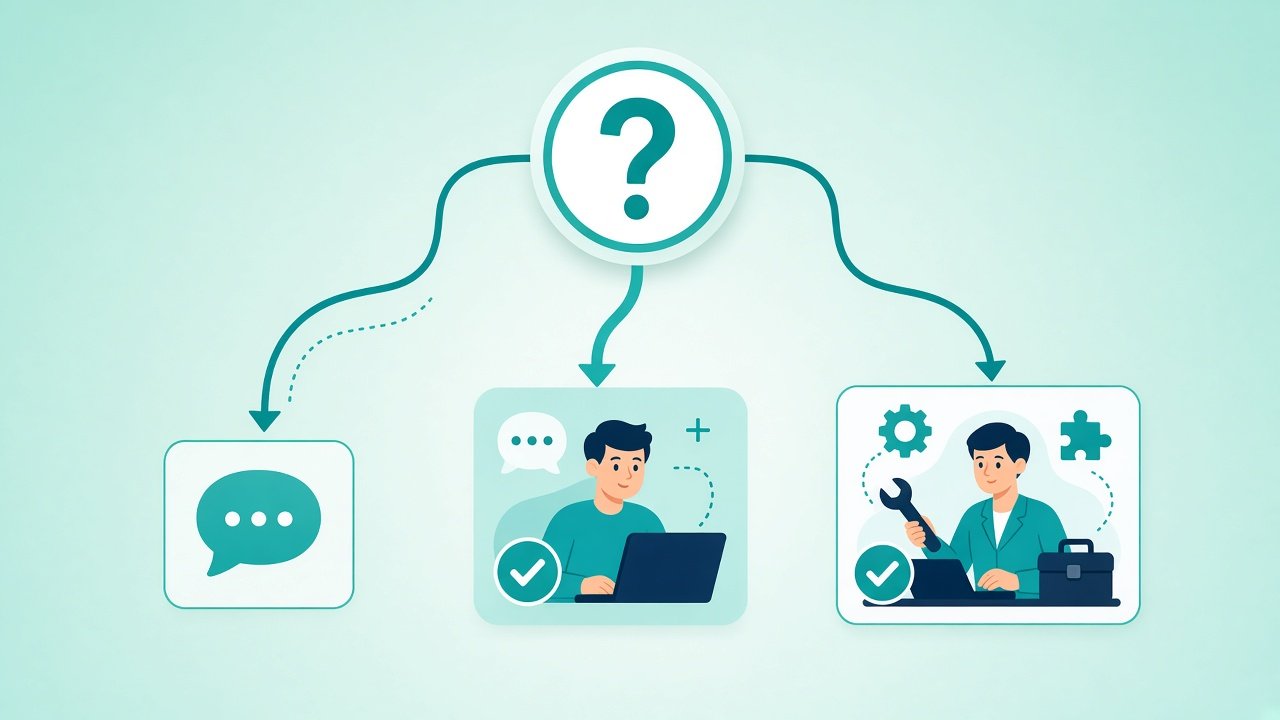
Same user need: “I need to prepare for a customer demo next week.”
- Chatbot: Points you to a FAQ or calendar booking link.
- AI assistant: Drafts a demo outline, suggests talking points, and helps rewrite slides when you paste content.
- AI agent: Pulls product notes from docs, checks the CRM for the account, drafts the deck, books a rehearsal, and opens a checklist ticket — then reports what’s done and what needs approval.
Same chat window. Completely different systems.
Key takeaways
- Chatbot = conversational interface for narrow, often scripted jobs.
- AI assistant = flexible helper that drafts and advises while you stay in the driver’s seat.
- AI agent = goal-seeking system that plans, uses tools, and acts across steps.
- Marketing labels blur; architecture and autonomy don’t.
- Choose the least autonomous design that still solves the problem — then add agent power only when you need it.
Once you separate “talks,” “helps,” and “acts,” product decisions get easier — and so does explaining AI features to your team.