
 Posted by
 If you’re starting with Laravel, one of the first concepts you need to understand is routing. Routing is the foundation of how your application responds to user requests. It connects URLs to the logic that handles them.
In this beginner-friendly tutorial, you’ll learn how Laravel routing works, along with practical examples you can apply immediately.
What is Routing in Laravel?
Routing in Laravel defines how your application responds to different URLs. When a user visits a page, Laravel checks your route definitions and decides what action to take.
For example:
- A user visits
/home - Laravel finds the matching route
- It executes a function or controller
- The result is returned to the browser
Where Are Routes Defined?
All routes in Laravel are located in the routes/ folder. The most commonly used file is:
web.php– for web routes (HTML pages)api.php– for API routes (JSON responses)
For beginners, you’ll mostly work with web.php.
Basic Route Example
Here’s a simple route:
use Illuminate\Support\Facades\Route;

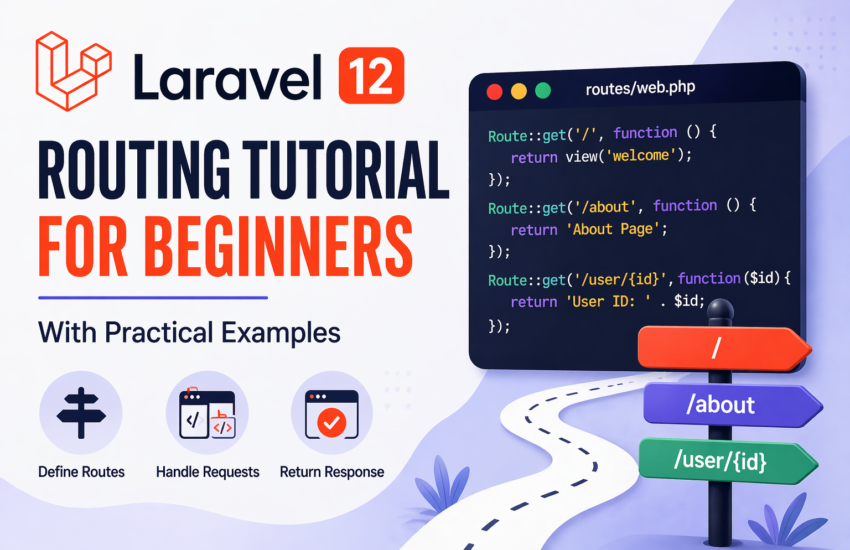
Route::get('/', function () {
    return 'Welcome to Laravel!';
});
Explanation:
Route::get()defines a route for HTTP GET requests'/'is the URL- The function returns a response
When you visit your homepage, you’ll see the message.
Different Types of Routes
Laravel supports multiple HTTP methods.
GET Route
Route::get('/about', function () {
    return 'About Page';
});
POST Route
Route::post('/submit', function () {
    return 'Form submitted';
});
PUT/PATCH Route
Route::put('/update', function () {
    return 'Updated';
});
DELETE Route
Route::delete('/delete', function () {
    return 'Deleted';
});
Route Parameters (Dynamic URLs)
You can pass data through the URL.
Route::get('/user/{id}', function ($id) {
    return "User ID: " . $id;
});
Example:
Visiting /user/5 will display:
User ID: 5
Optional Parameters
Sometimes parameters are optional.
Route::get('/user/{name?}', function ($name = 'Guest') {
    return "Hello " . $name;
});
Example:
/user→ Hello Guest/user/John→ Hello John
Named Routes
Named routes make your code cleaner and easier to manage.
Route::get('/dashboard', function () {
    return 'Dashboard';
})->name('dashboard');
You can use it like this:
route('dashboard');
Route Groups
Route groups help organize routes that share common features like middleware or prefixes.
Route::prefix('admin')->group(function () {
    Route::get('/users', function () {
        return 'Admin Users';
    });
});
Result:
URL becomes /admin/users
Using Controllers with Routes
Instead of using closures, it’s better to use controllers.
use App\Http\Controllers\UserController;

Route::get('/users', [UserController::class, 'index']);
Why use controllers?
- Cleaner code
- Better organization
- Easier to scale
Route Middleware
Middleware allows you to filter requests.
Example:
Route::get('/dashboard', function () {
    return 'Dashboard';
})->middleware('auth');
This ensures only authenticated users can access the route.
Practical Example: Simple Blog Routes
Here’s a simple real-world example:
Route::get('/posts', [PostController::class, 'index']);
Route::get('/posts/{id}', [PostController::class, 'show']);
Route::post('/posts', [PostController::class, 'store']);
Route::put('/posts/{id}', [PostController::class, 'update']);
Route::delete('/posts/{id}', [PostController::class, 'destroy']);
This setup allows you to:
- View all posts
- View a single post
- Create a post
- Update a post
- Delete a post
Common Mistakes Beginners Make
- Forgetting to import
Routefacade - Using wrong HTTP methods
- Not validating route parameters
- Overusing closures instead of controllers
Final Thoughts
Routing is one of the most important parts of any Laravel application. Once you understand how routes work, everything else becomes easier to connect.
Start simple, practice with real examples, and gradually move to controllers and middleware. With time, routing will become second nature.